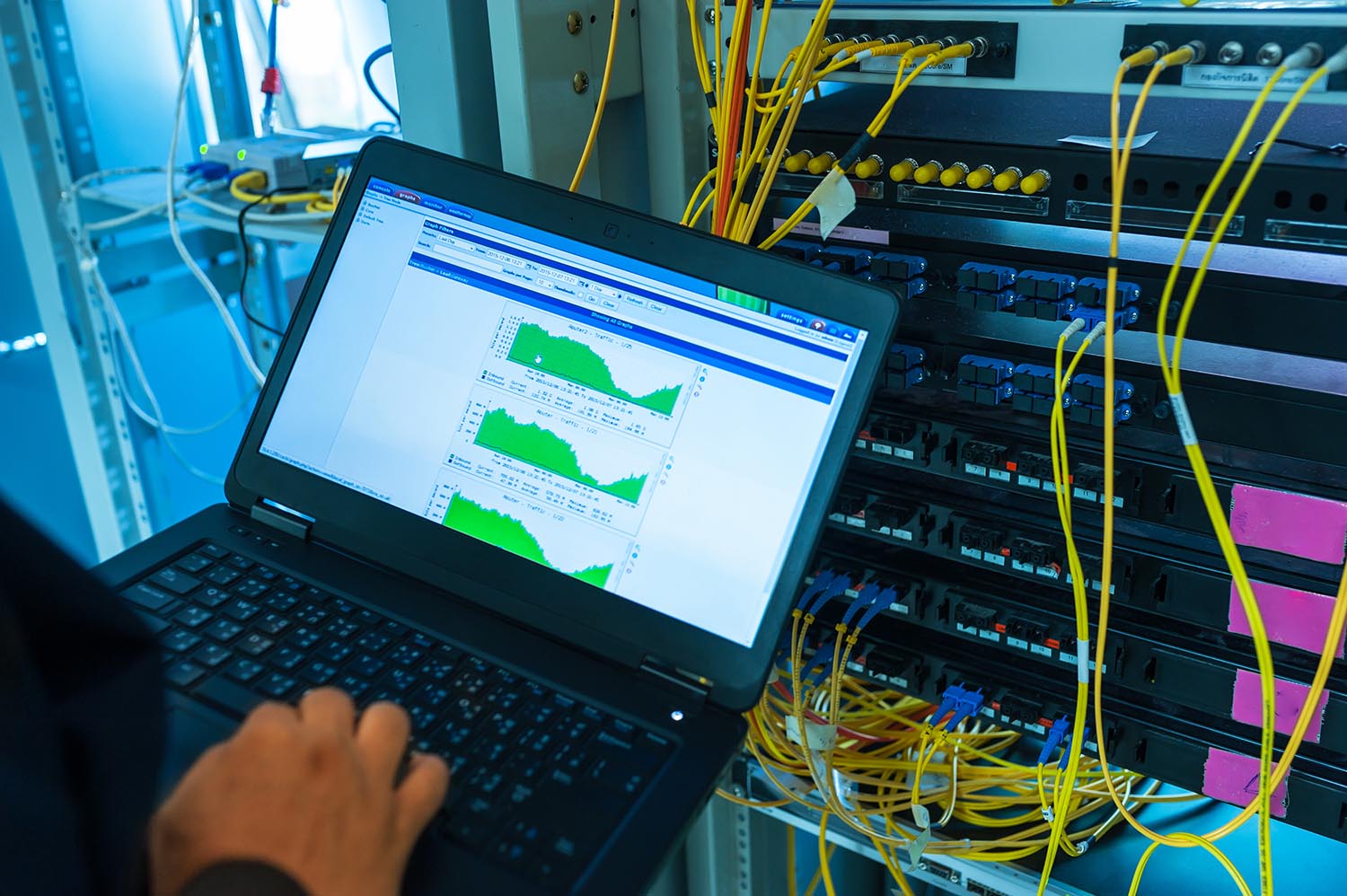
Technology refresh and deployment, planned and rolled out right
We take hardware from purchase order to production: receiving, staging, configuring, installing and testing, then retiring old equipment securely. Single sites or hundreds, on your schedule.
- Code-aware installation
- Documented closeout
- One accountable team
At a glance
- Workstations, laptops, servers, network and POS
- Single-site upgrades and multi-site rollouts
- Staging and imaging before shipment
- Secure data sanitization and recycling
Consistent rollouts
Standard builds and procedures mean every site and user gets the same result.
Less user disruption
Pre-staged devices and scheduled cutovers keep people working.
Secure and documented
Data is sanitized, equipment is tracked and records are ready for audit.
A closer look at Technology Upgrade, Refresh and Deployment
Refresh projects go off track when logistics, configuration and on-site execution are handled by different teams. We manage the full chain so devices arrive configured, installations are consistent and users are productive on day one.
Our project teams are built for scale. Standardized procedures, tracked inventory and clear reporting keep multi-site rollouts predictable and auditable.
Industries we support

Best suited for
- IT leaders planning a lifecycle refresh
- Organizations opening, moving or consolidating offices
- Retail and service chains deploying new devices at many sites
- Teams migrating to a new operating system or management platform
Capabilities built around your environment
Project planning
Scope, schedule, site readiness checks and communication plans so every location knows what to expect.
Receiving and staging
Equipment is received, inventoried, asset-tagged, configured and imaged in a controlled staging area.
Installation and cutover
Technicians install, connect and migrate users and settings with minimal business disruption.
Network and infrastructure upgrades
Switches, wireless, firewalls, UPS and racks installed and verified against your standards.
User onboarding
Desk-side handoff, quick-start guidance and verification that applications and peripherals work.
Secure retirement
Old devices are wiped to recognized standards, tagged, and recycled or returned per your policy.

Where clients usually start
Multi-site laptop and desktop refresh
Stage, ship or hand-deliver devices, migrate users and retire old hardware across locations.
Network refresh
Replace switches, wireless and firewalls on a planned schedule, with testing and rollback plans.
New office or branch deployment
Equip a new site with end-user devices, network, printers and AV, ready on opening day.
Clear scope, no surprises
What we handle, and what we need from you to keep the project moving.
What is included
- Pre-deployment site readiness checks
- Equipment receiving, tagging and inventory
- Configuration, imaging and burn-in testing
- On-site installation, data migration support and cutover
- Removal of legacy equipment
- Data sanitization with certificates (aligned to NIST SP 800-88)
- Asset and deployment reports for your records
What we need from you
- Approved configurations, images or enrollment profiles
- Equipment orders and delivery schedule, or procurement preferences
- Site contacts, access windows and user lists
- Data retention and disposal policy
What you receive at closeout
- Deployment schedule and status reports
- Asset list with serial numbers and locations
- Configuration and test records
- Data sanitization certificates
- Recycling and chain-of-custody documentation
From first call to completed work
- 1
Plan
Define scope, standards, schedule and site access, and confirm quantities and configurations.
- 2
Stage
Receive, tag, configure and test equipment before it reaches your site.
- 3
Deploy
Install, migrate users, verify connectivity and applications, and hand over to staff.
- 4
Retire
Remove, wipe and recycle old equipment with chain-of-custody records.
- 5
Report
Deliver deployment records, asset lists and any open items for follow-up.
Local requirements, handled
California adds its own codes, licensing and compliance expectations. We plan for them from day one.
E-waste and recycling
Retired equipment is recycled in line with California e-waste requirements, with documentation for your records.
Privacy protection
Data sanitization supports your obligations under privacy laws such as the CCPA/CPRA when devices leave your control.
Off-hours installs
Nights and weekends scheduling for sites that can’t afford downtime.
Statewide logistics
Shipping, staging and technician scheduling planned across California offices, retail centers and secured facilities.
Standards and references
Talk to a Technology Upgrade, Refresh and Deployment specialist
Tell us about your locations, timeline and goals. We’ll follow up with next steps and a scoped proposal.
- We review your request and any site details.
- We schedule a call or site visit.
- You receive a clear scope, timeline and price.